Working with ChromaSpot
Getting the library into Photoshop, Illustrator and InDesign takes about two minutes. The only real decision is which of the two Adobe formats you want, and it depends on whether this is a palette for one job or a library you keep.
Which format
| ASE | ACB | |
|---|---|---|
| Installs | No — loads into a document | Yes — into the application |
| Appears | In the Swatches panel of that document | In the Swatches panel dropdown, beside the libraries Adobe ships |
| Precision | Lab as 32-bit float — exact | Lab in three bytes — rounded to one of 256 steps per channel |
| Right for | A palette of a few dozen, on one project | The whole library, permanently |
Do not load four thousand swatches into a document. It works and nobody enjoys it. Use ACB for the library and ASE for the handful you are actually working with.
Loading an ASE
Swatches panel → menu → Load Swatches, and pick the file. That is all. The swatches live with the document, so they travel with it and have to be loaded again in the next one.
Installing an ACB
Copy the file into the application’s Color Books folder and restart it. The exact location moves between Adobe versions and between macOS and Windows — the reliable way to find it is to look for the folder that already contains the colour books your installation shipped with, and put the file beside them.
After a restart, the library appears in the Swatches panel dropdown by name.
Build the palette first
The most useful thing you can hand a client or a printer is not the library. It is twelve colours.
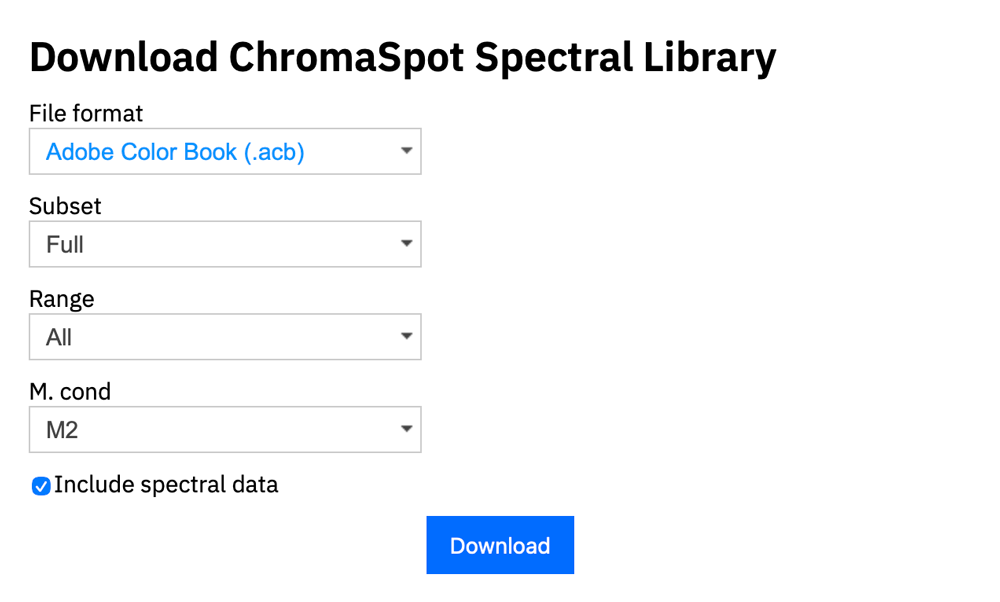
Collect them in the browser with the plus button, then choose Scratchpad as the subset in the download dialog. The file carries only what you chose, and its name says which subset, which measurement condition and which Range filter produced it.
What the Adobe formats lose
Both ACB and ASE carry Lab values and nothing else. The spectrum does not survive, which means the receiving application cannot recompute the colour for a different light or a different observer — it has the answer for D50 and the 2° observer and no way back to the question.
For design work that is usually fine. For anything a supplier will make — an ink to mix, a dye to match, a profile to build — send CxF instead. It is the same colour with its spectrum intact, and formulation software reads it directly.
8R4.52 Pyrrole Scarlet survives a name being
withdrawn; one called Pyrrole Scarlet does not, and the file has no
way to say which colour it meant.
Illuminant and observer travel badly
The Lab values written into an ACB or ASE are the ones you were viewing under. If you moved the browser away from D50 and 2°, the file carries those numbers and the receiving application has no idea. Either export at the default, or say plainly what the file is when you send it.
Read next
- File FormatsWhat each format carries and loses
- Library BrowserBuilding the palette before you export it
- Ink Drawdown on ScreenChecking a colour on screen before you specify it